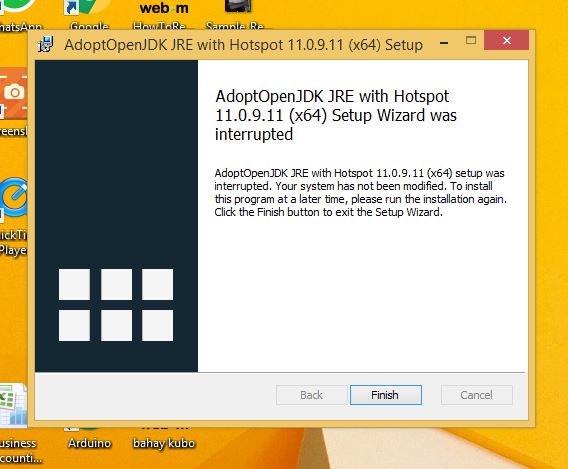
*** How To Install ***
File #1 - MSSQL Server 2008 R2 Express
(Step 1) Open the file
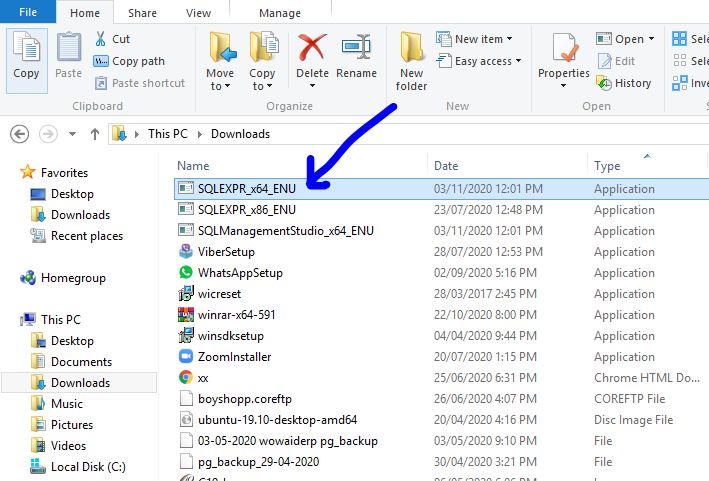
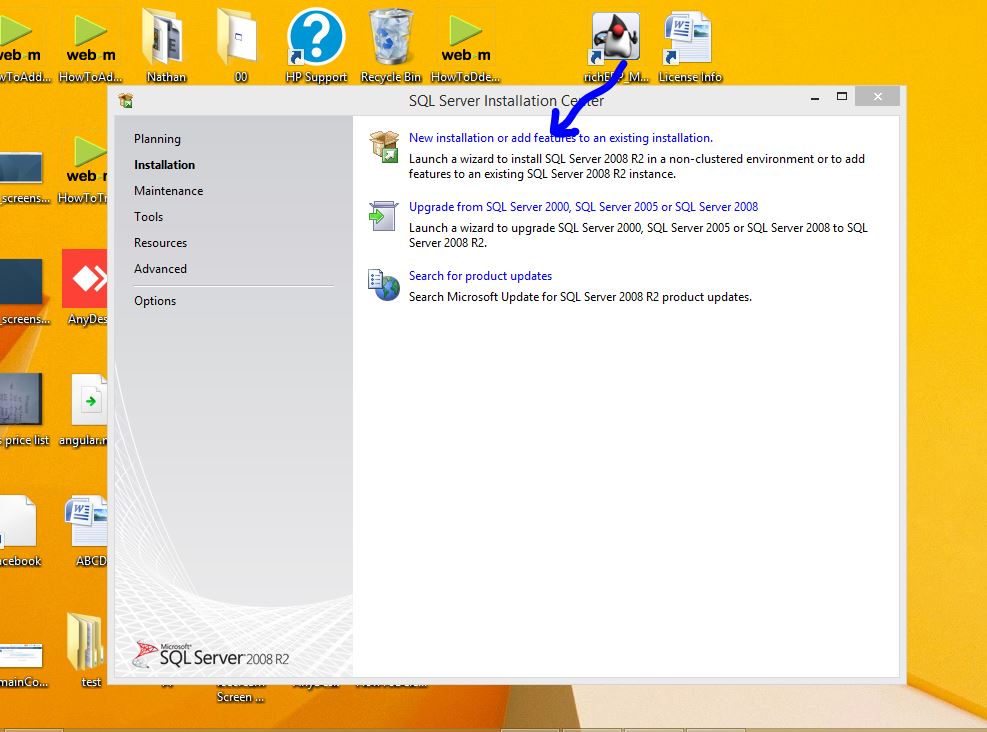
(Step 2) Click "New Installation..."
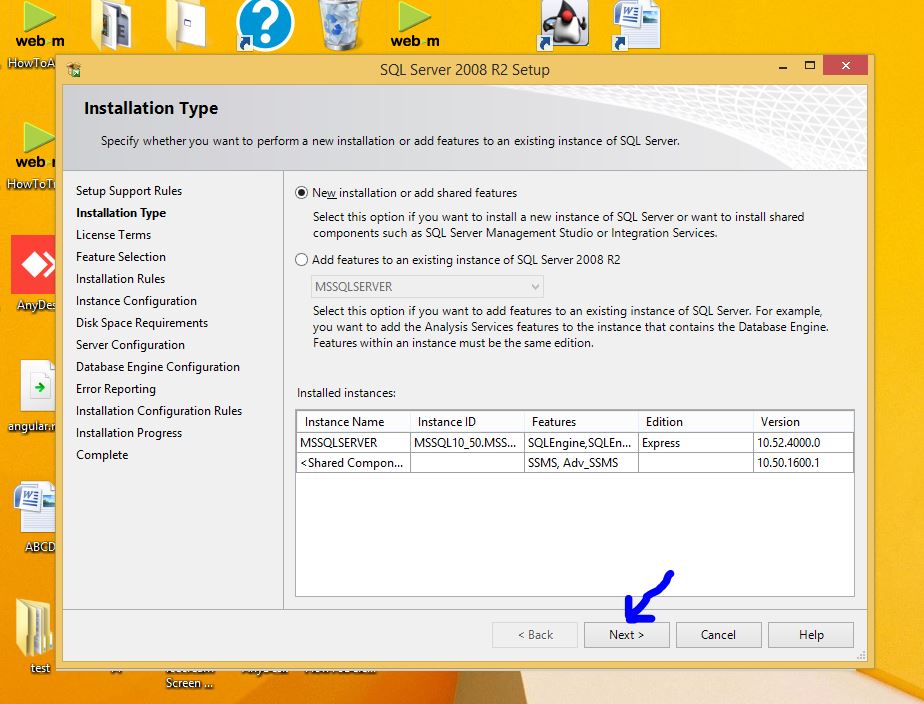
(Step 3) Click Next
(Step 4) Click "I Accept the License" and Next
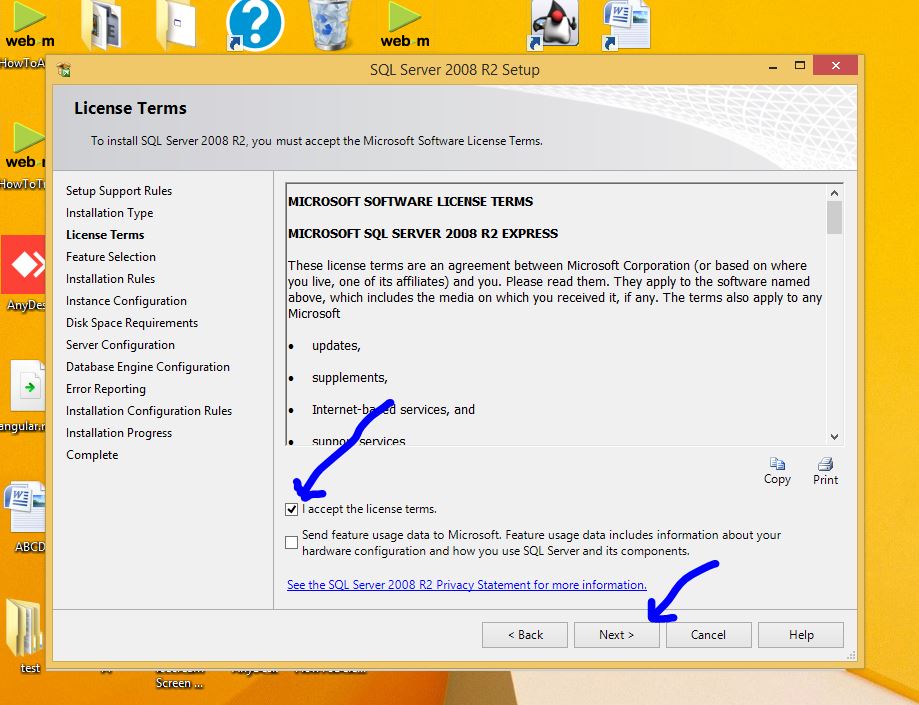
(Step 5) Click Next
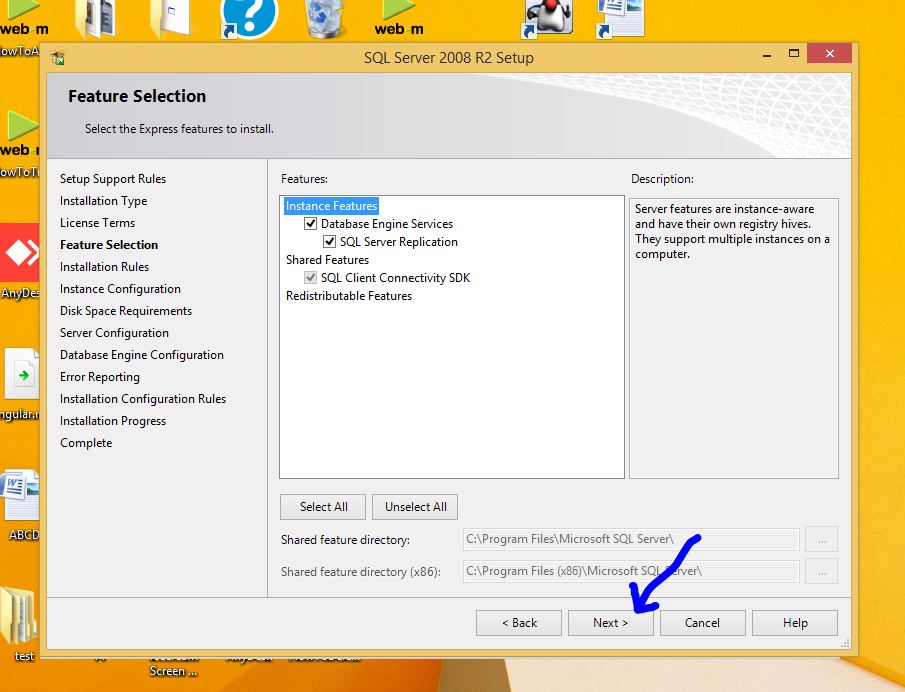
(Step 6) Select "Default Instance" and then Click Next
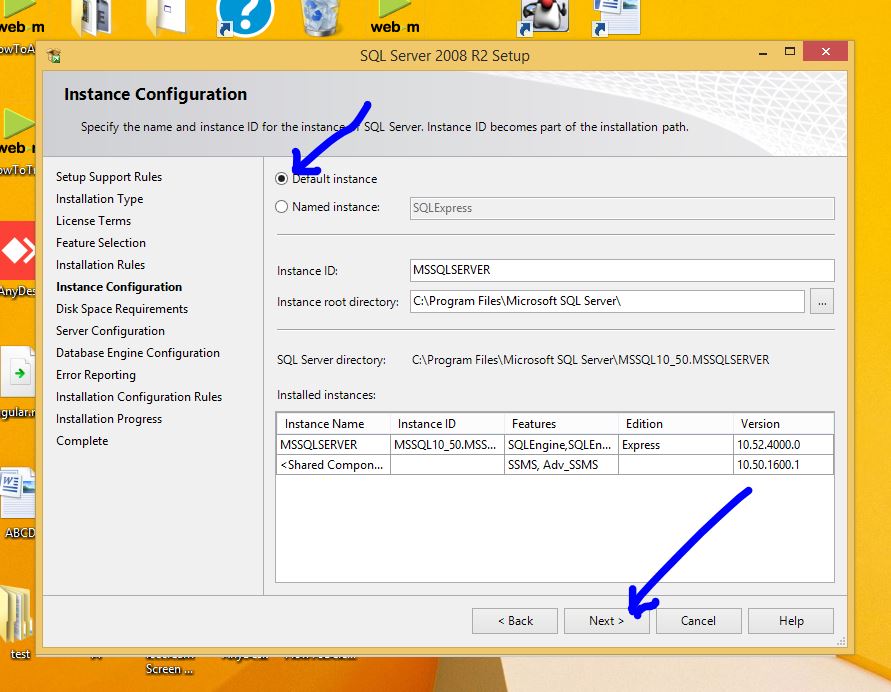
(Step 7) Click Next
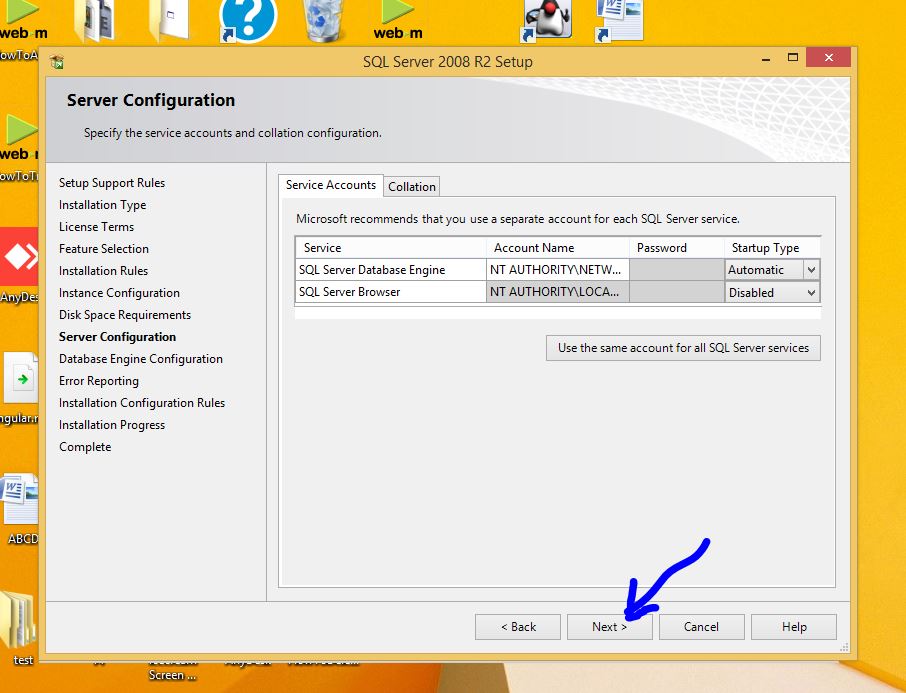
(Step 8) Click Next
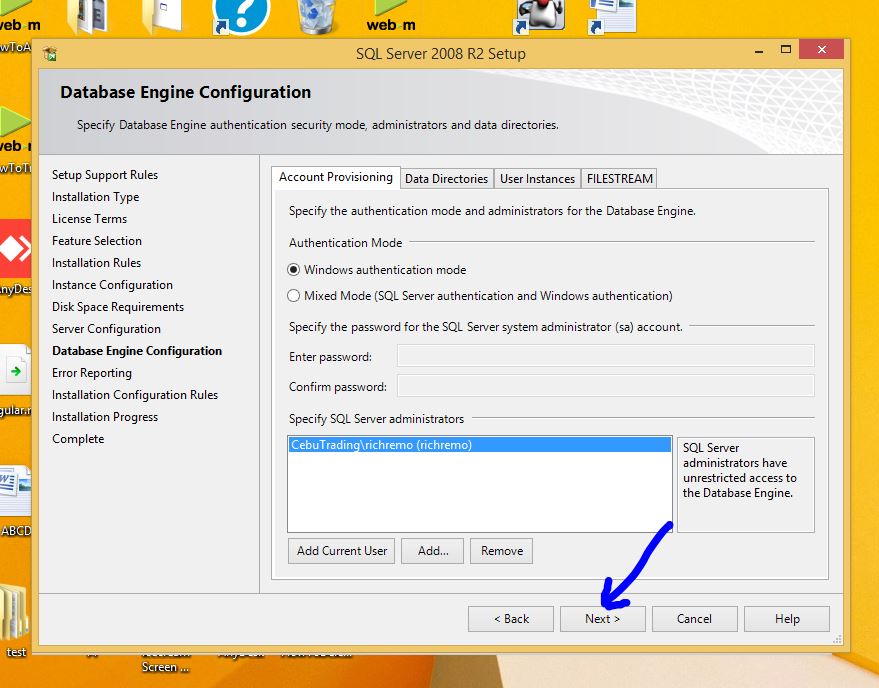
(Step 9) Click Next
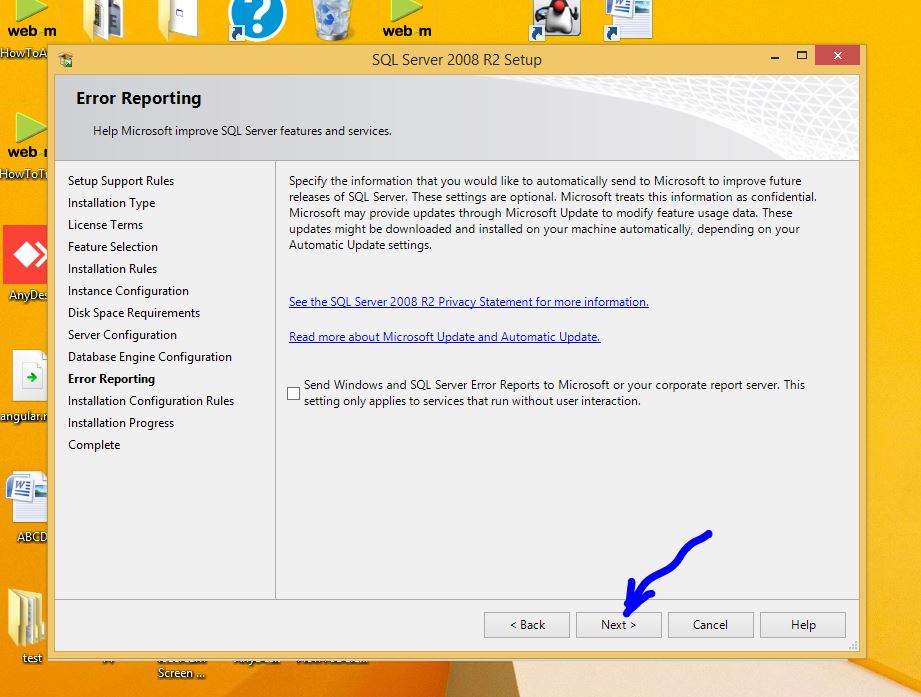
(Step 10) Installation Completed. Close all the installation
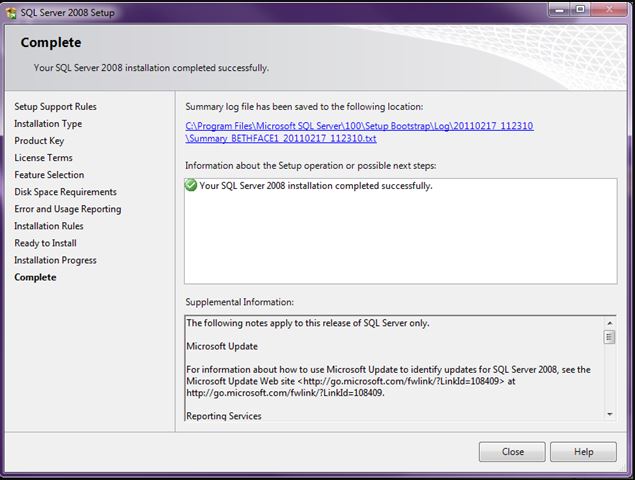
File #2 - MSSQL Server Management Studio
(Step 1) Open the file (MSSQL Server Management Studio) and Install
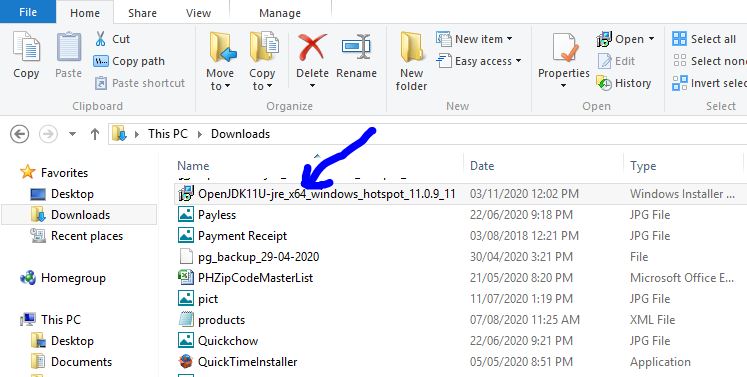
File #3 - JRE (Java Runtime Environment)
(Step 1) Open the file
(Step 2) Click Next
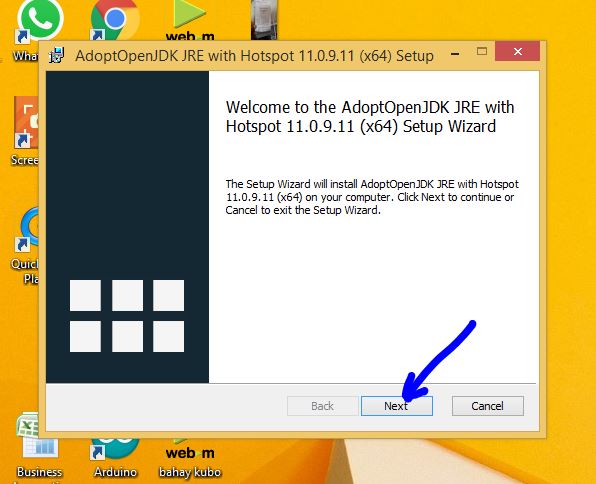
(Step 3) Click "I Accpet the Terms..." and then click Next
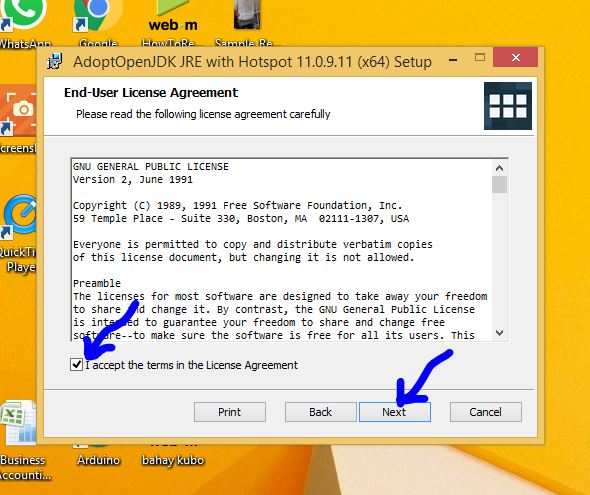
(Step 4) Set Java Home Variables and then click Next
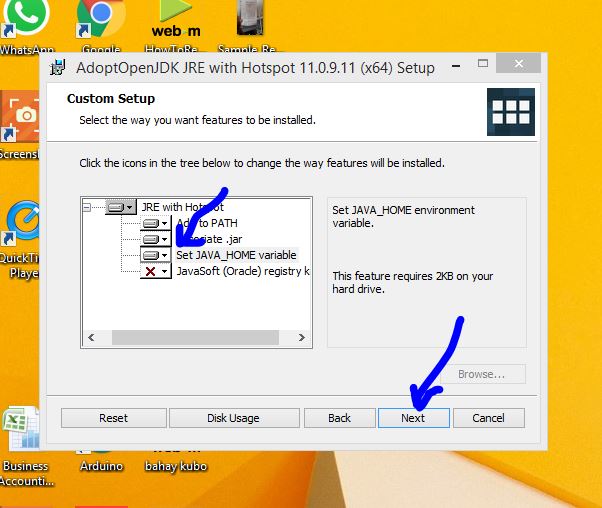
(Step 5) Click Install
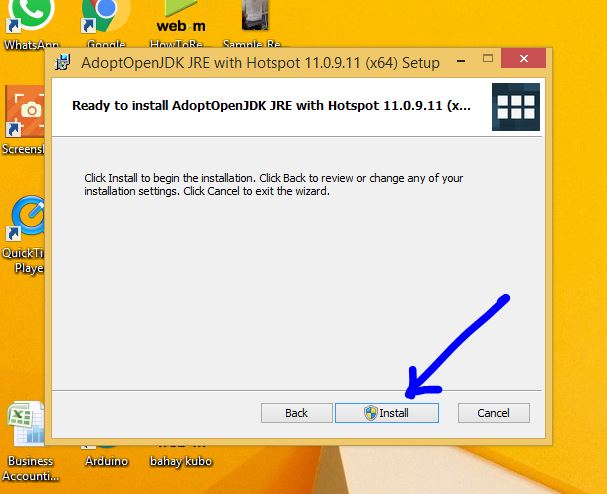
(Step 6) Click Finish